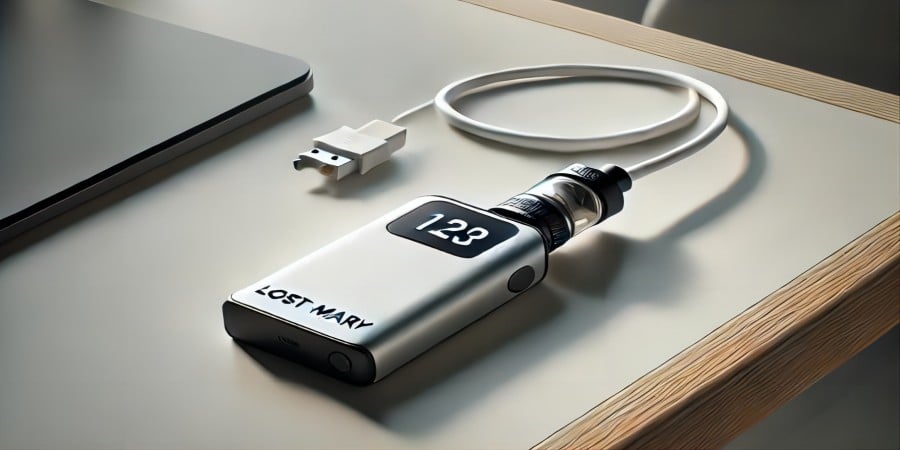

If your Geek Bar Pulse vape isn’t charging, it can be frustrating, but don’t worry. You’re not alone. Many vapers encounter charging problems, and most of these issues are fixable. This mually verified guide help you figure out potential reasons why your Geek Bar Pulse may not be charging, provide a step-by-step effective troubleshooting guide, and give you practical tips on how to avoid these problems in the future. Whether the issue is with the charging cable, the charger itself, or the device’s internal battery, you’ll find solutions that are easy to follow.
Overview of Common Charging Problems of Geek Bar
Before jumping into the solutions to geek bar vapes not charging, it’s crucial to understand that charging issues with the Geek Bar Pulse can stem from various causes. Sometimes, a simple fix like cleaning the charging port is all it takes, while in other cases, you might need to replace a worn-out battery or address a malfunction.
While charging problems can occur at any time, they usually arise from:
- A bad connection between the charger and device.
- Battery issues such as poor battery health.
- External factors like temperature or moisture.
By diagnosing the root cause, you can determine the appropriate steps to fix the issue and get your device back to working properly.
Tip: If you find that your geek bar pulse vape is flashing red but could be charged, you can read our guides about Why Is My Geek Bar Pulse Flashing Red But Charged?
Why Isn’t Your Geek Bar Pulse Vape Charging? Possible Causes
If you find your could not charge your geek bar pulse vapes and other rechargeable vapes, including brand new geek bar vapes, then it might be because of the following common reasons:
1. Faulty or Damaged Charging Cable
The charging cable is one of the most common reasons for your geek bar vape not charging issue. Over time, cables can become worn, frayed, or even develop internal wiring problems that prevent the device from charging. If the cable is bent or twisted frequently, the internal wires may break or short-circuit, disrupting the power flow. Sometimes, even a minor kink in the cable can cause charging failure.
2. Incompatible Charger
Using the wrong charger for your Geek Bar Pulse can lead to insufficient or faulty charging. Chargers come in varying voltage and amperage ratings, and not all are compatible with every device. If the charger is not designed to provide the right amount of power to the device, it may not charge the Geek Bar Pulse correctly. Substandard or third-party chargers, in particular, can lead to slower charging times or, in some cases, no charging at all.
3. Dirty or Blocked Charging Port
The charging port on your Geek Bar Pulse can accumulate dust, lint, or other debris, especially if you carry your device around in your pocket or bag. Even small particles can block the charging connection, preventing the charging cable from making proper contact with the port. In some cases, this can lead to charging interruptions or no charging at all. As a result, you geek bar vapes stop charging. Over time, the buildup of dirt or grime can also cause corrosion or damage to the port.
4. Battery Issues
As with any electronic device, the battery in your Geek Bar Pulse can degrade over time, which creates the possibility of geek bar vape not charging. If your device has been heavily used, the battery may no longer hold a charge, or it may have been damaged due to overcharging or prolonged exposure to heat. In some cases, a swollen or leaking battery can also affect the device’s ability to charge. Battery life can vary depending on usage and maintenance, and if the battery is worn out, it might prevent the device from charging altogether.
5. Internal Device Malfunction
Sometimes, the issue may not be with the charging accessories or battery, but with the Geek Bar Pulse itself. Internal hardware or software malfunctions, such as issues with the charging circuit, a malfunctioning chipset, or a firmware bug, can prevent the device from charging properly. These types of problems are rarer but can be difficult to diagnose and resolve without professional assistance.
How to Fix Charging Issues with Your Geek Bar Pulse
If your Geek Bar Pulse is not charging, follow these troubleshooting steps to identify the problem and find a solution.
1. Check the Charging Cable
The charging cable is one of the most common reasons for geek bar vape not charging. Carefully inspect the cable for any visible signs of damage, such as frays, kinks, or exposed wires. If you notice any damage, replace the cable. Alternatively, test the cable with a different device to ensure it’s working.
2. Try a Different Charger
If the charging cable seems fine, the next step is to check the charger itself. Using an incompatible charger can prevent the device from charging. Ensure that the charger is providing the correct voltage. If possible, use another charger that’s compatible with the Geek Bar Pulse vape to see if the problem persists.
3. Inspect the Charging Port
A clogged or dirty charging port can cause geek bar vapes not to charge. Dust, lint, and other debris can accumulate in the port over time, blocking the connection between the device and the charger. Gently clean the charging port with a soft cloth or compressed air. Be cautious not to damage the port in the process.
4. Assess the Battery
If your geek bar vape is still not charging, the battery could be the issue. If the Geek Bar vape is old, the battery may no longer be able to hold a charge. In some models, you can replace the battery yourself, while others may require professional help. If replacing the battery isn’t possible, you may need to replace the device itself.
5. Reset the Device
Some Geek Bar vapes have a reset feature that can help resolve charging issues caused by software glitches. Consult the user manual to see if your device has this function, and follow the instructions to reset the device
What If Your Geek Bar Still Not Charging?
If you find that you can not still charge your Geek Bar Vapes after adopting all of the above mentioned steps, you can contact us and request a refund since this would be a serious quality issue. Unlike other geek bar vape providers, Toto Vape offers 30-day easy return policy for all customers.
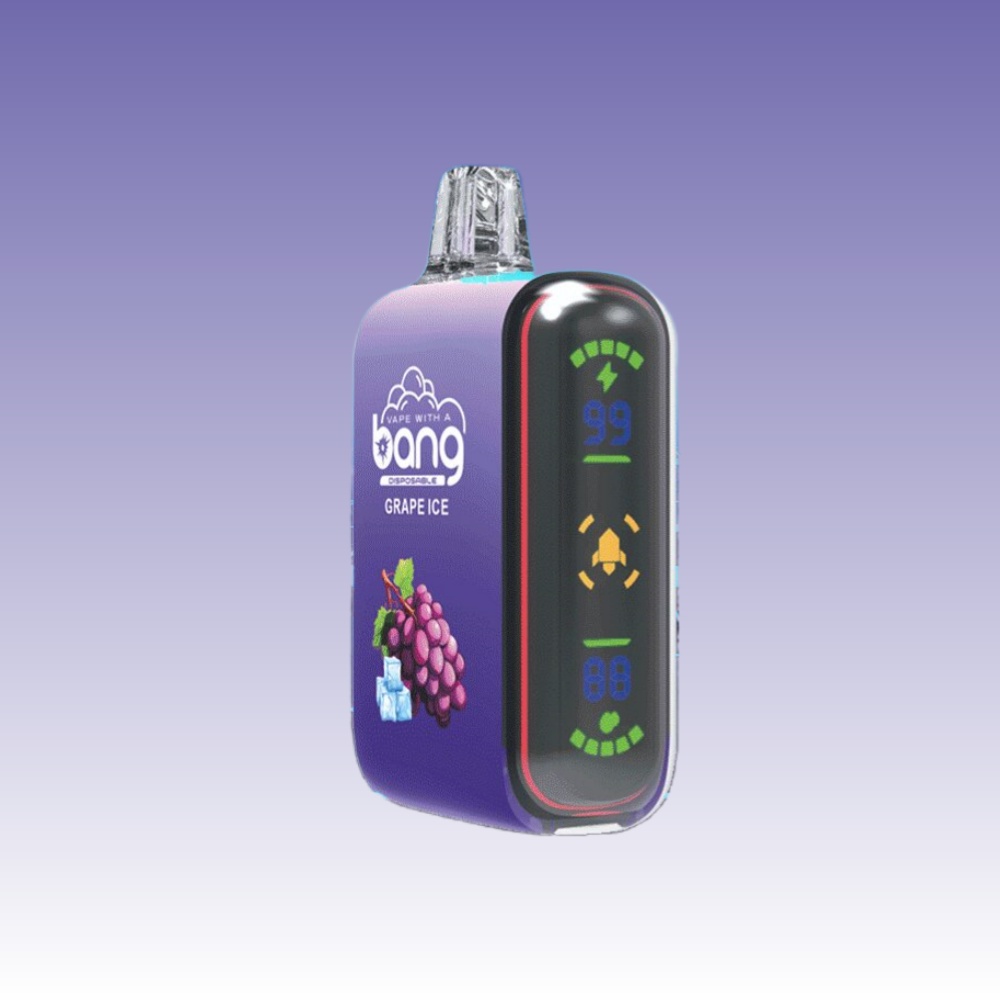
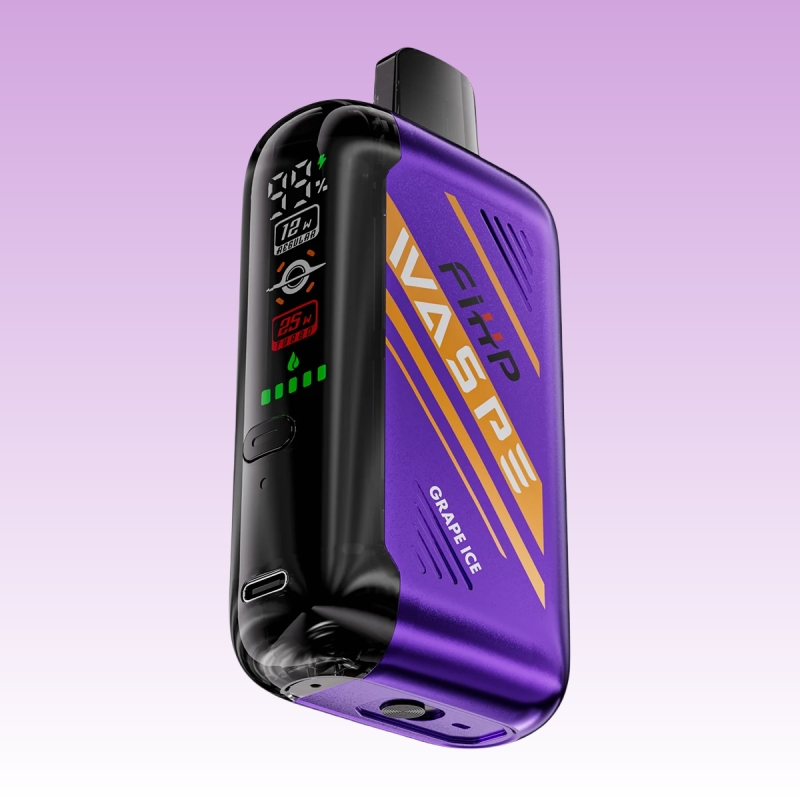
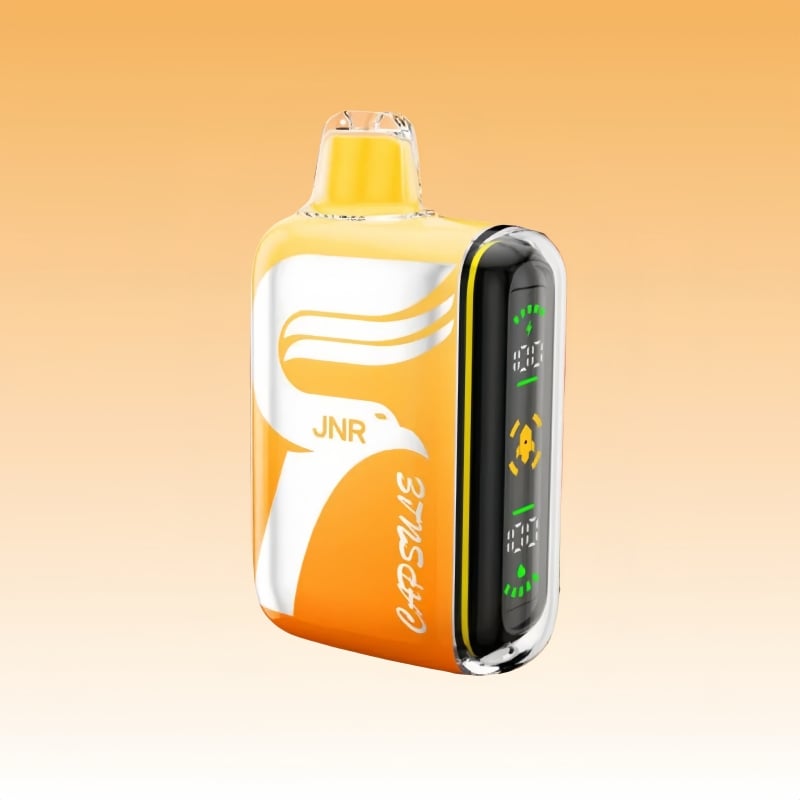
Alternatively, we suggest you choose disposable vapes that are much less likely to have charging issues:
Preventive Tips to Avoid Charging Issues in the Future
To prevent future charging problems with your Geek Bar Pulse, consider these simple maintenance tips. Keeping your device in optimal condition will help ensure that you don’t encounter charging issues down the road.
- Proper Storage: Store your Geek Bar Pulse in a cool, dry place. Extreme temperatures—whether too hot or too cold—can damage the battery and the internal charging components. Never leave your device in direct sunlight or in areas that get excessively hot or cold.
- Avoid Overcharging: While it’s tempting to leave your device charging overnight, overcharging can lead to battery wear over time. Once your Geek Bar Pulse is fully charged, unplug it. This will help extend the lifespan of the battery.
- Clean the Charging Port Regularly: Dust and lint can quickly accumulate in the charging port, leading to poor connections and charging issues. Every couple of weeks, clean the port gently with a cotton swab or compressed air.
- Use the Right Charger: Always use the charger that came with your Geek Bar Pulse or one that meets the required specifications. Using a low-quality or incompatible charger can damage your device or prevent it from charging altogether
More: How to Charge a Geek Bar Vape Correctly?
For geek bar vapers who have no idea of how to charge a geek bar vape, this section will share how to charge it correctly by using geek bar pulse as an example:
Use the Official Charging Cable and Adapter
Always use the official charging cable and adapter provided with your Geek Bar Pulse or ensure that the charger is compatible with the device. Using third-party or low-quality chargers can result in slow charging or even damage to the device.Plug into a Reliable Power Source
Connect your Geek Bar Pulse Vape to a reliable power source, such as a wall adapter or a high-quality USB port. For best results, avoid charging it via a laptop or a low-power USB port, as these may not provide sufficient power for optimal charging.Inspect and Clean the Charging Port
Before plugging in your device, check the charging port for any dirt, dust, or debris that might obstruct the connection. Gently clean the port using a soft cloth, a cotton swab, or compressed air to ensure a stable and efficient charging connection.Monitor the LED Screen
As a hot disposable vape with screen, the display screen on your Geek Bar Pulse provides clear information about the charging status. During charging, the screen will show a charging icon or indicate the battery percentage increasing. Once the device is fully charged, the screen will display 100% or indicate that charging is complete. Always keep an eye on the screen to avoid overcharging, as this could reduce the battery’s lifespan
How Long Does A Geek Bar Take to Charge?
The charging time for a Geek Bar vape typically ranges from 30 minutes to 1 hour, depending on the charging method and the power source. Here’s a breakdown of the factors that influence charging time:
Charging Cable and Adapter: Using the provided USB cable and a compatible adapter that meets the required power output (typically 5V, 1A) will charge your device at an optimal rate.
Power Source: Charging from a wall adapter tends to be faster than charging through a USB port on a computer or laptop. Wall adapters generally provide more stable power and higher output.
Battery Status: If the battery was almost completely drained, it may take closer to the 1-hour mark to fully charge. Conversely, if there’s still some charge left in the device, it may charge faster.
Device Usage: Charging the Geek Bar Pulse while in use (or having the device on during charging) may slightly increase the time it takes to fully charge, compared to charging while it’s off.
Interested in the charging time for other brands of vapes? read our article How Long It Takes For a Vape to Charge?
Conclusion
Charging issues with your Geek Bar vapes can be frustrating, but they’re usually easy to fix. By following the troubleshooting steps in this guide, you can identify the cause of the issue and resolve it quickly. Regular maintenance, such as cleaning the charging port and using the correct charger, can help prevent charging problems from occurring in the future. If the issue persists, seeking professional repair may be necessary.
Frequently Asked Questions
Why is my Geek Bar Pulse not charging but the red light is on?
The red light indicates the device needs charging, but if it doesn’t charge, check your cable, charger, and port for damage.
How can I tell if the battery is dead?
If your Geek Bar Pulse doesn’t charge or power on, the battery may be dead. You can also check for signs of battery leakage or swelling by reading the side display screen, which are indicators that the battery needs replacing.
Why is my Geek Bar Pulse charging very slowly?
Slow charging could be caused by using an incompatible charger, a damaged cable, or a problem with the device’s internal charging circuit. Try using a different charger or cable to see if the issue persists
My Geek Bar Pulse charges intermittently. What’s wrong?
Slow charging could be due to using an incompatible charger, a damaged cable, or an issue with the device’s internal charging components.
How long does the battery last on a fully charged Geek Bar Pulse?
The battery life of the Geek Bar Pulse varies depending on usage, but it typically lasts several hours of continuous use before needing a recharge. For optimal battery life, avoid overcharging and use the device at moderate power settings
How can I extend the lifespan of my Geek Bar Pulse?
To extend the lifespan of your device, keep it clean, store it away from extreme temperatures, and use the correct charger. Regular maintenance and avoiding overcharging will help keep your Geek Bar Pulse functioning optimally for longer
How Long Does A Geek Bar Take to Charge
The charging time for a Geek Bar vape typically ranges from 30 minutes to 1 hour, depending on the charging method and the power source. Here’s a breakdown of the factors that influence charging time:
Charging Cable and Adapter: Using the provided USB cable and a compatible adapter that meets the required power output (typically 5V, 1A) will charge your device at an optimal rate.
Power Source: Charging from a wall adapter tends to be faster than charging through a USB port on a computer or laptop. Wall adapters generally provide more stable power and higher output.
Battery Status: If the battery was almost completely drained, it may take closer to the 1-hour mark to fully charge. Conversely, if there’s still some charge left in the device, it may charge faster.
Device Usage: Charging the Geek Bar Pulse while in use (or having the device on during charging) may slightly increase the time it takes to fully charge, compared to charging while it’s off.